ORC puts RME TotalMix FX on the UF1 and UF8.
Fader, pots and keys move TotalMix directly, and the screens show channel names, colours, levels and the EQ. ORC runs in the menu bar or notification area and needs no DAW.
Free. macOS 13 or later, Windows 11 or Windows 10 version 1903 or later.
MoreMe
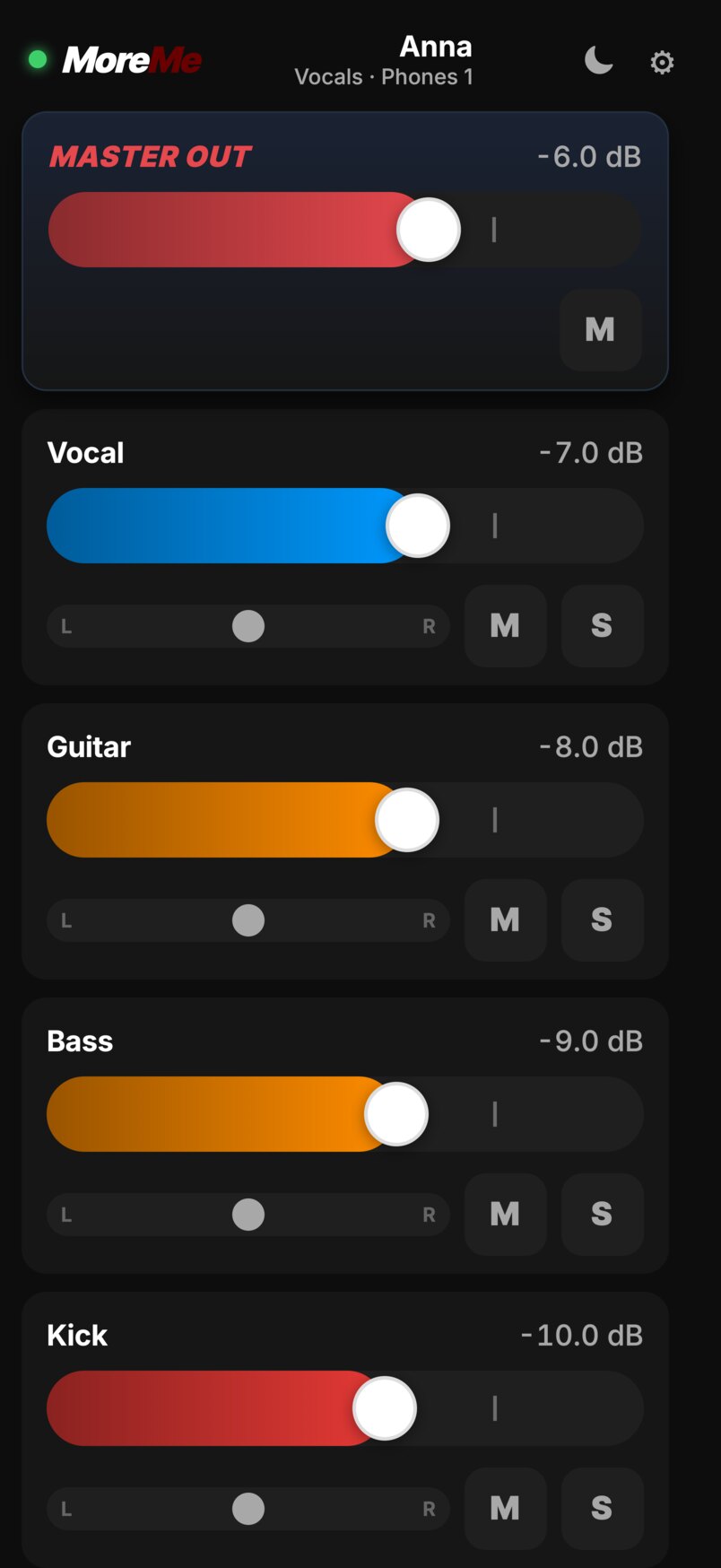
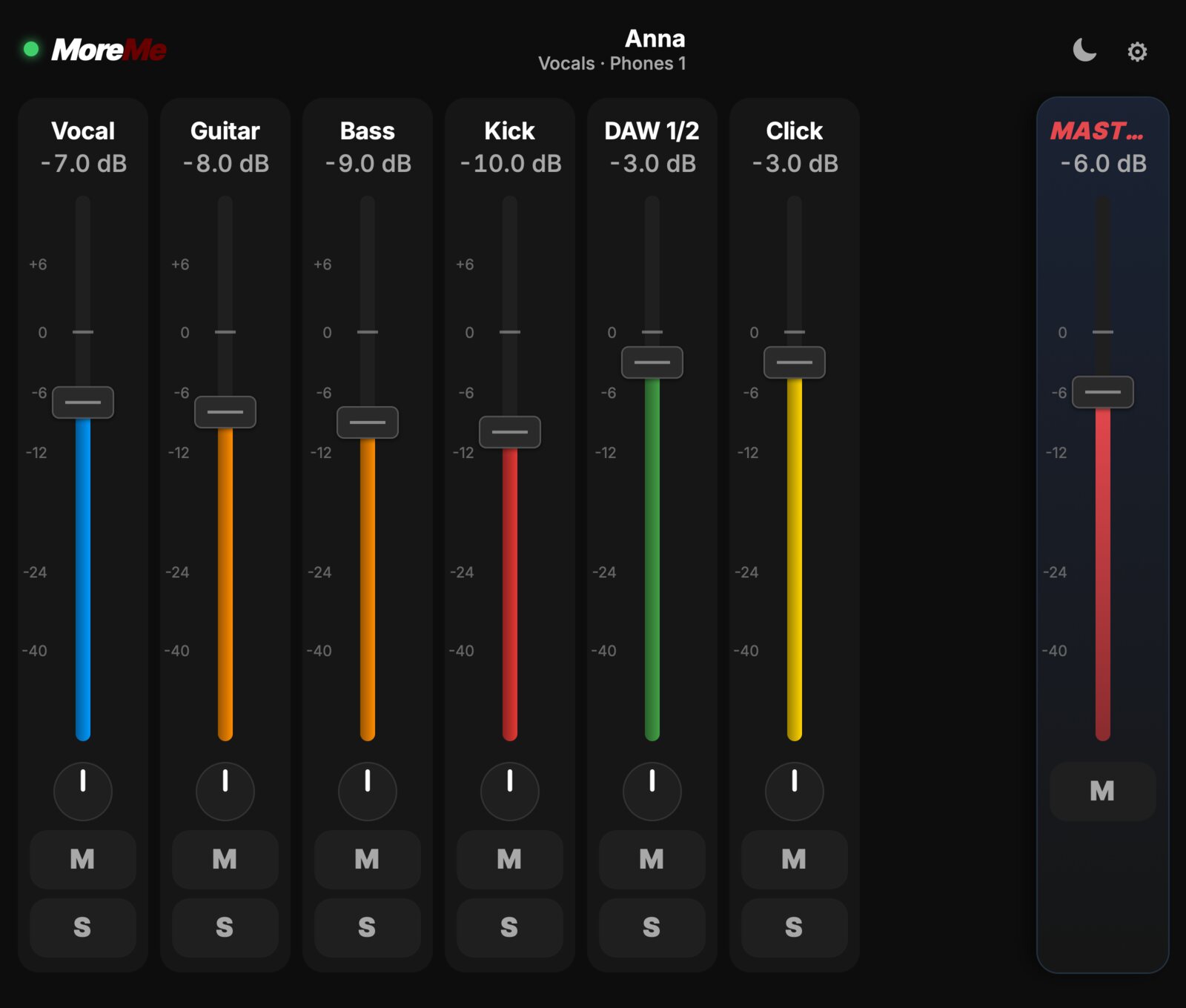
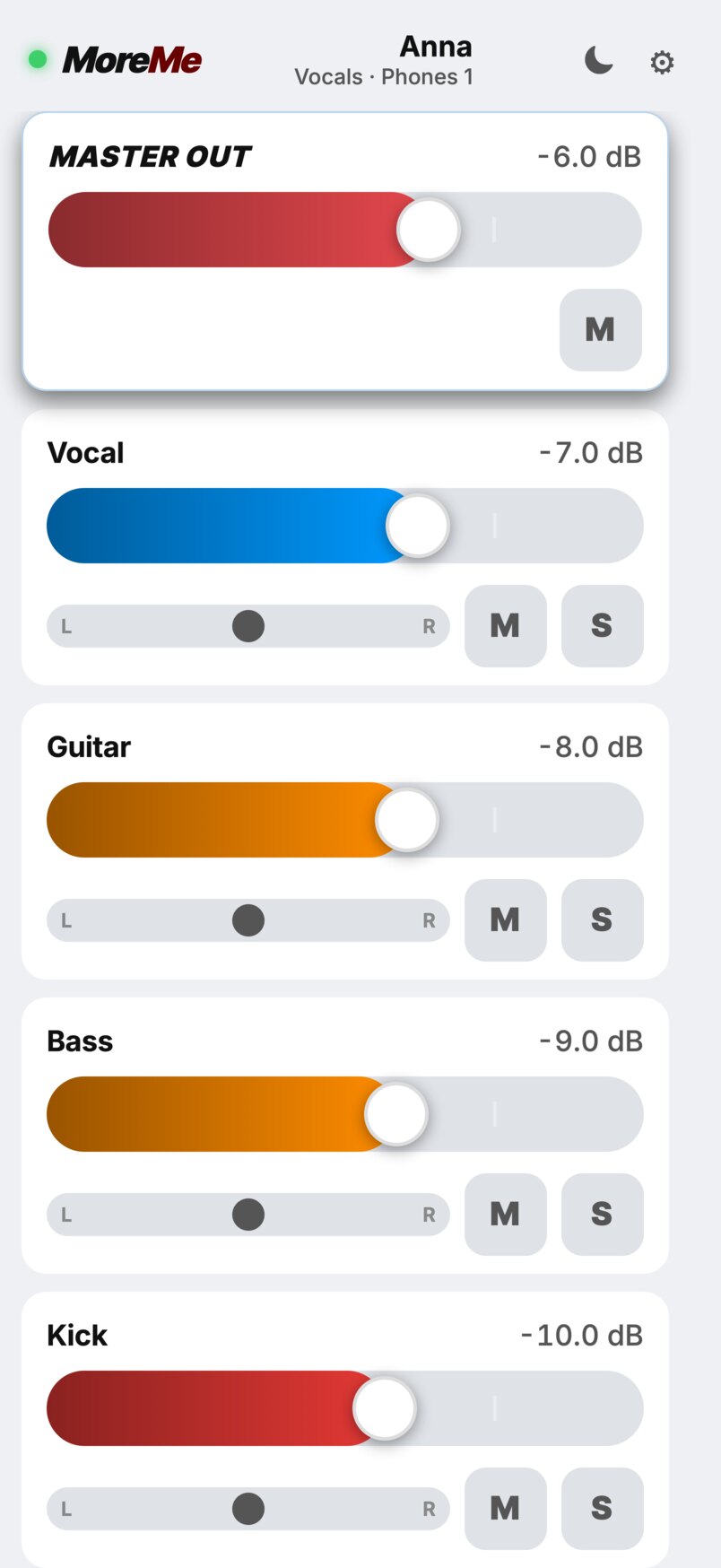
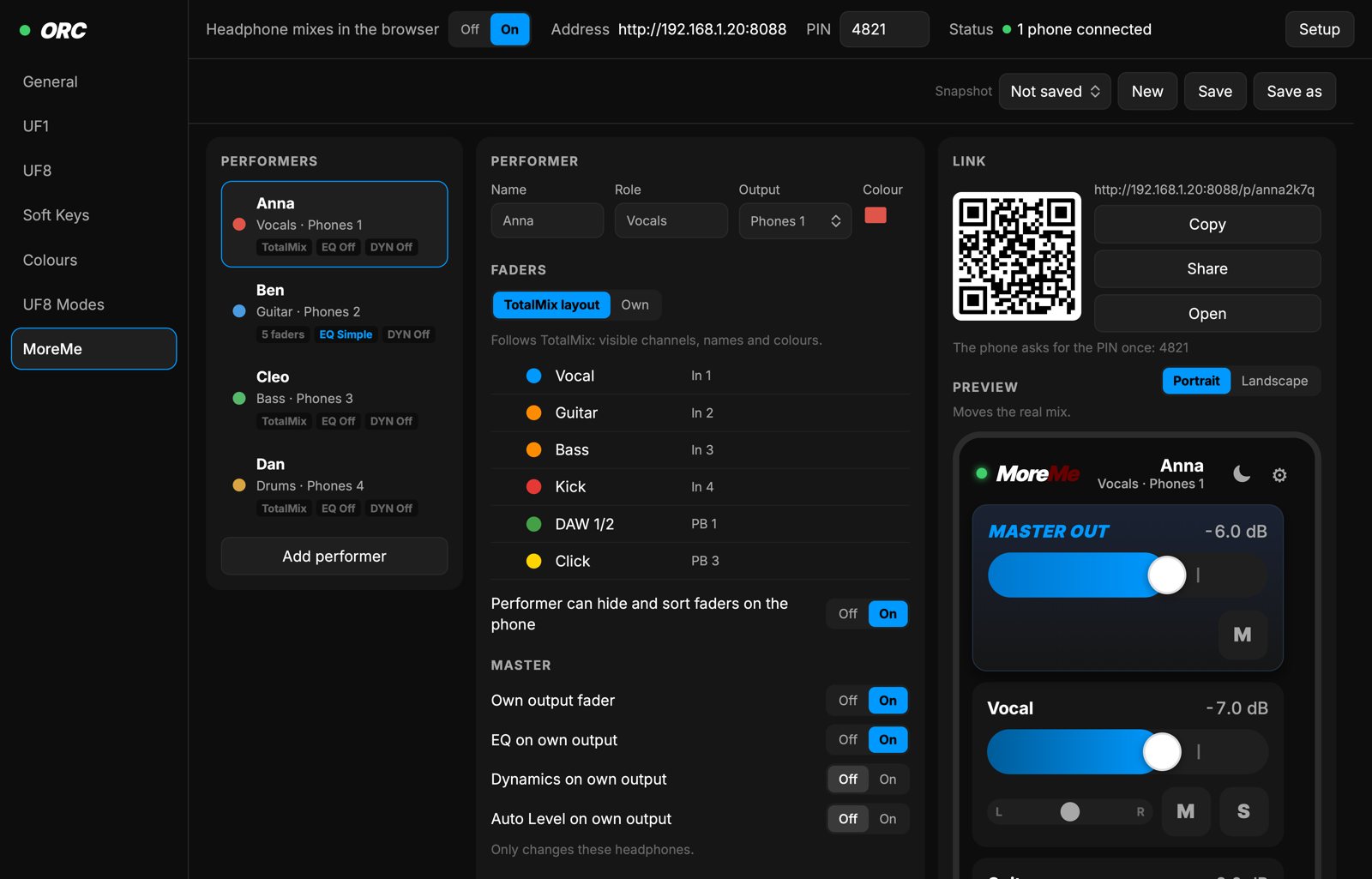
Headphone mixes on phones. Each musician opens a web page, picks a mix and sets level, pan, mute and solo of every source, plus the master. Nothing is installed on the phones.
- A link and QR code per performer: their output, their faders, what they may change
- Channel groups: all the drums on one fader, opening to a thinner fader for each
- EQ and dynamics on the phone, off until you open them
- Snapshots, a PIN, and the page in German, English, French, Italian and Rumantsch, and Klingon if you pick it
- Keeps running while REAPER has the surfaces, so the mixes stay on the phones during a recording
The UF1
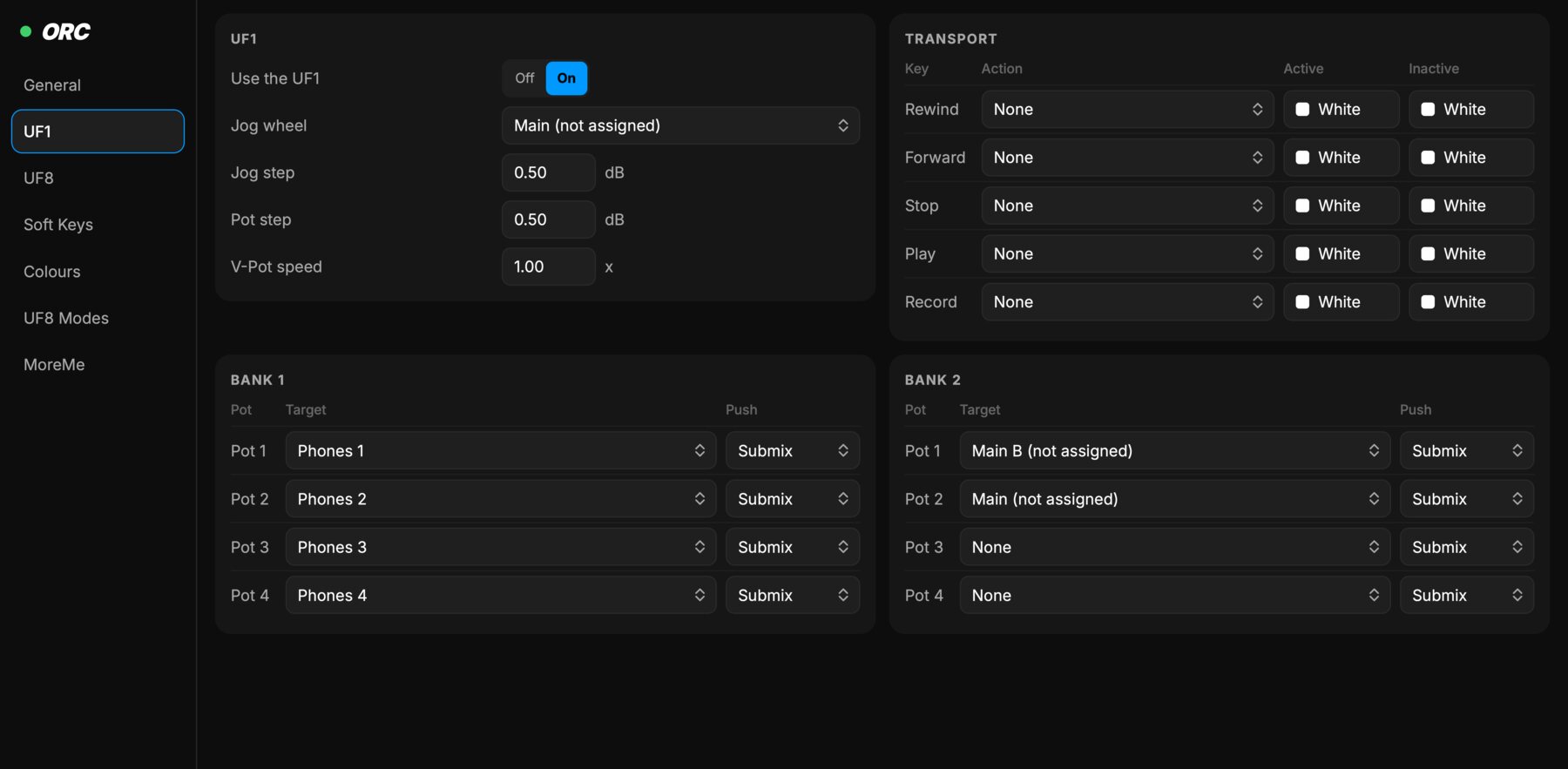
- The fader is the selected channel: an output's volume, or an input's or playback's level in the submix
- Four pots in two banks, on Phones 1 to 4, Main B and Main, or any TotalMix channel
- The jog wheel is Main out of the box
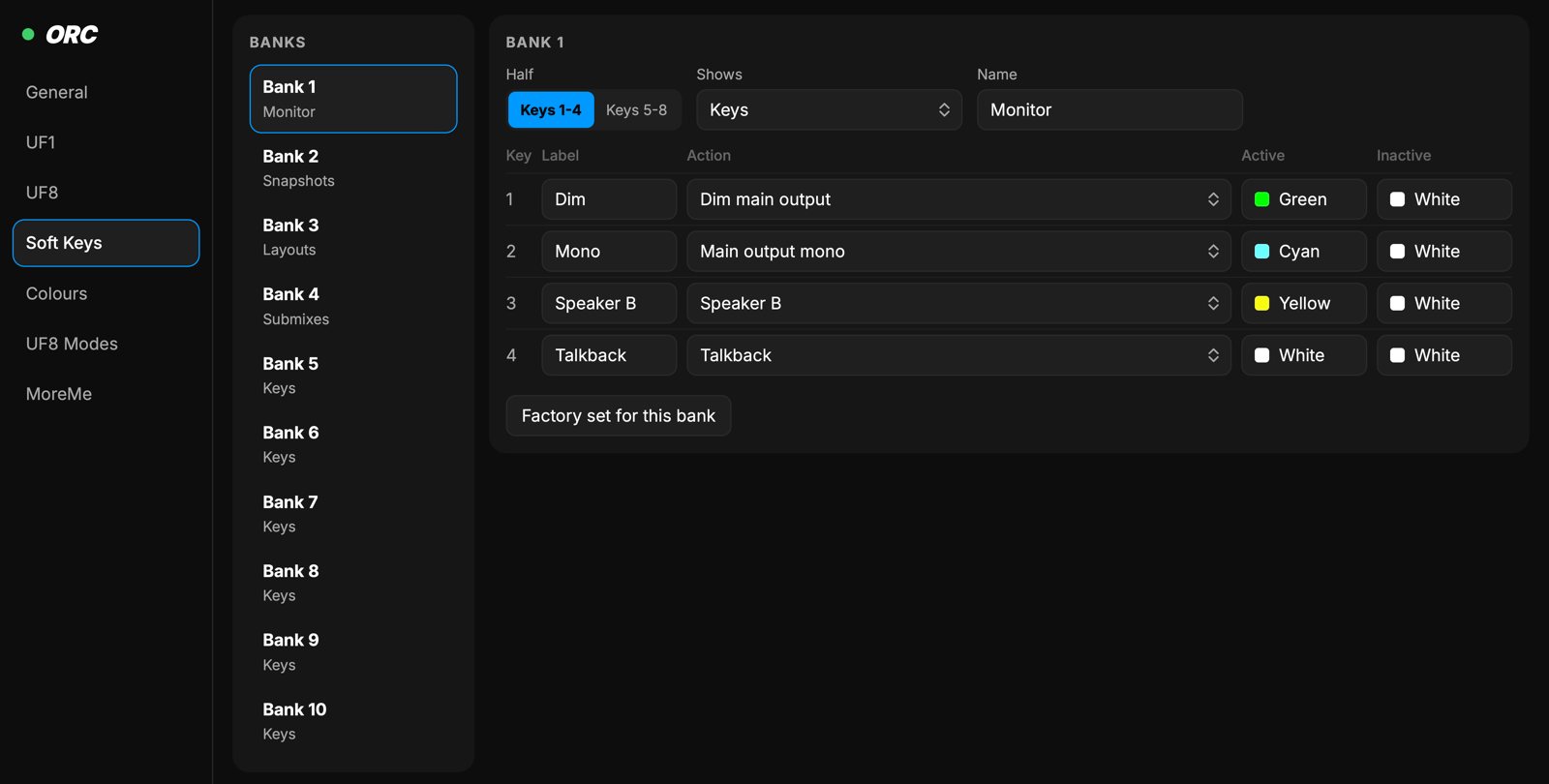
- Soft-key banks with snapshots and layouts, dim, talkback, DuRec and more
- A push on CHANNEL opens one channel: gain, 48 V and phase, low cut, three EQ bands with the curve on the screen, dynamics and AutoLevel
The UF8
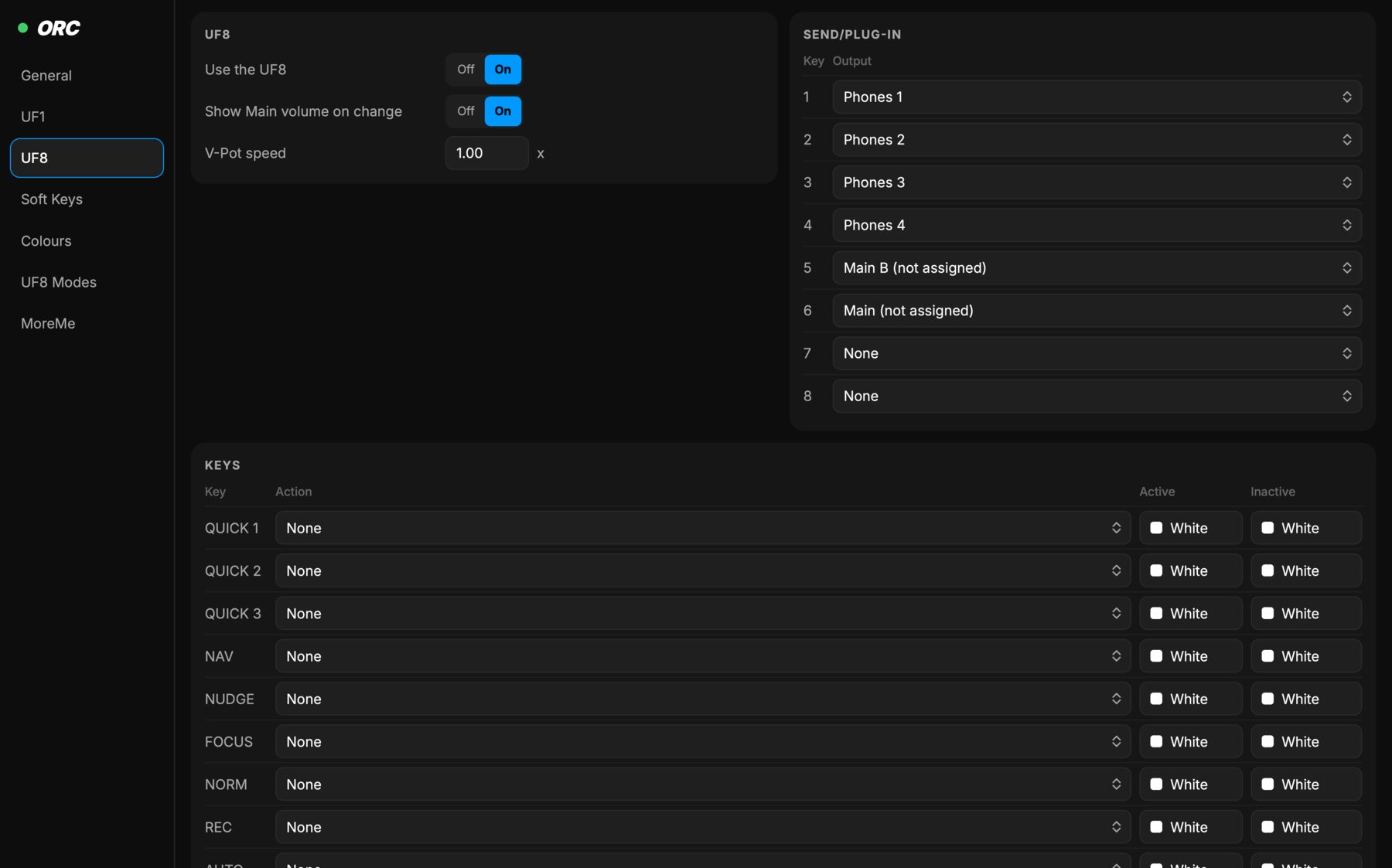
- Eight TotalMix channels on the faders, with name, level and colour on each scribble strip
- SEND/PLUG-IN keys pick an output as the submix, a soft-key bank adds eight more
- SOLO on an output is its Cue
- LAYER 2 for Philips Hue, LAYER 3 for DynaMount, OBS scenes on the soft keys
With Rea-Sixty
On the same computer, REAPER takes the UF1 and UF8 over from ORC when it starts and hands them back when it quits. Hue, DynaMount and OBS settings are brought in step at every handover.
Inside REAPER, Shift and MODE on the UF1, then RME, gives the same TotalMix view. Shift and LAYER 1 put TotalMix on the left UF8. Both use ORC's settings.
What you need
- An SSL UF1, an SSL UF8, or both, over USB
- An RME interface with TotalMix FX 2.1 or later
- SSL 360° closed while ORC uses the surfaces
- Rea-Sixty 0.8.0 or later for the handover, 0.9.1 on Windows