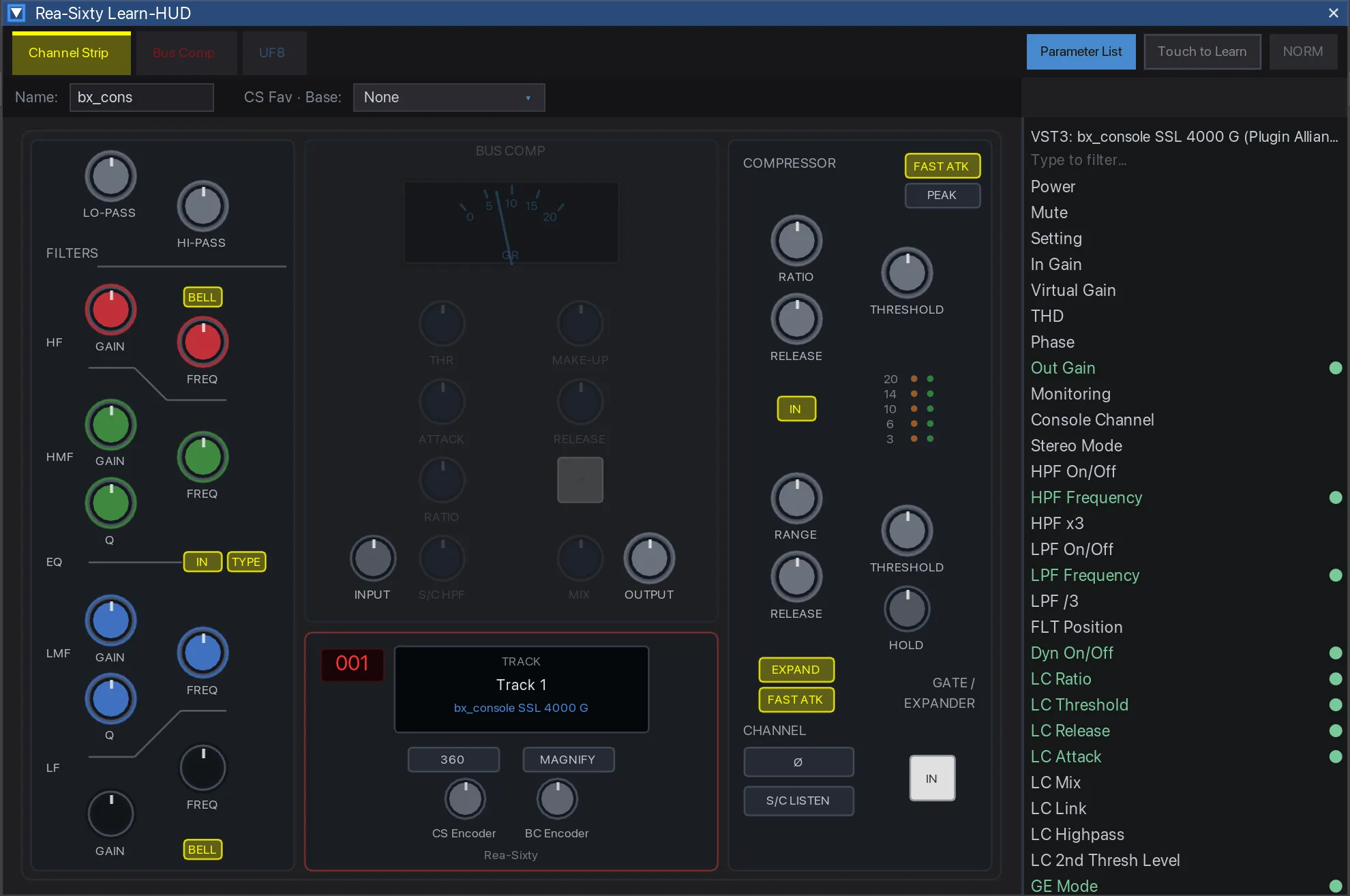
Rea-Sixty drives the SSL UF8, UC1 andUF1 directly from a REAPER extension over their vendor-USB protocols. No SSL 360°. No virtual MIDI port. No MCU. No SSL plug-in on every track.
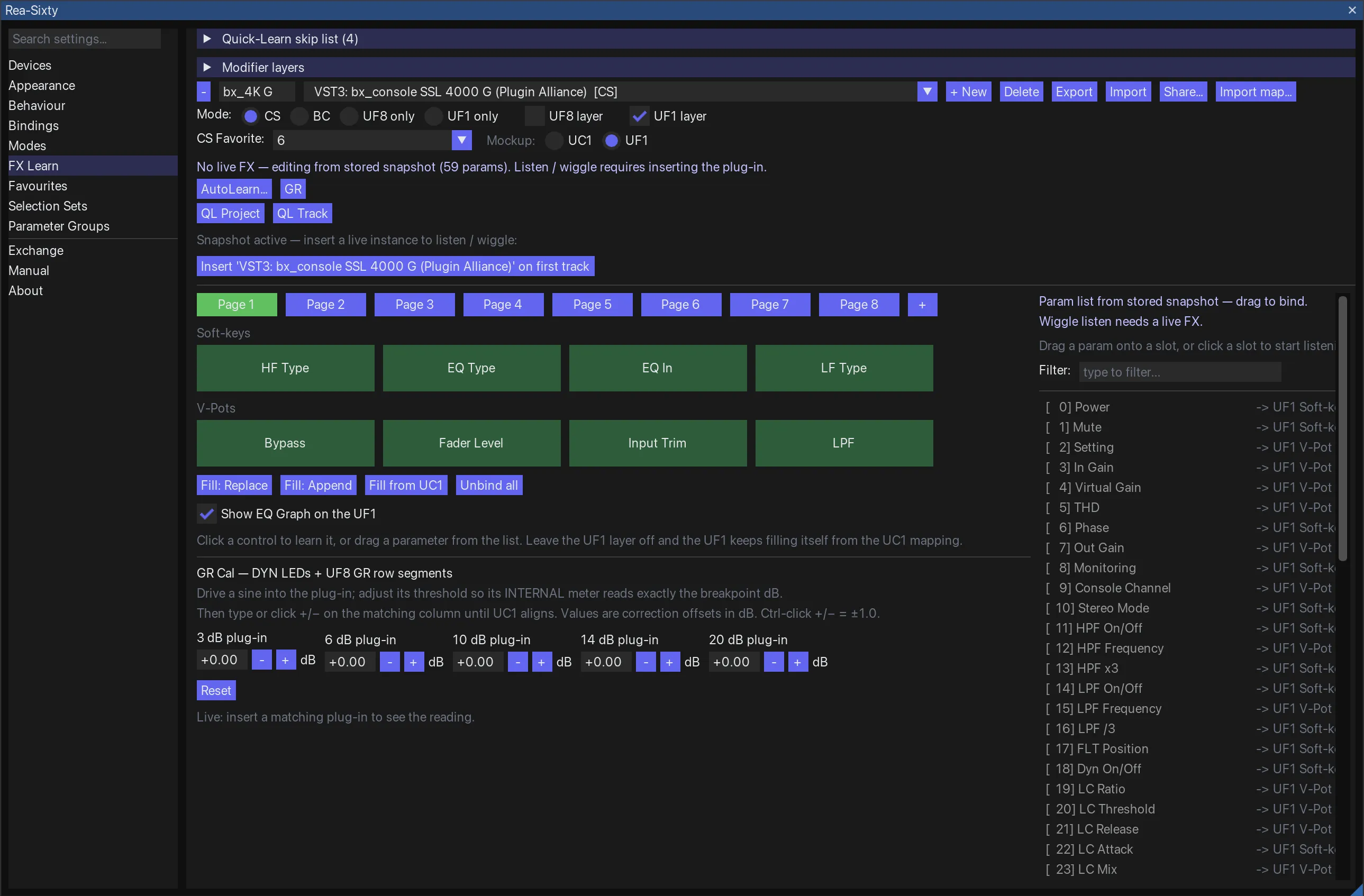
SSL's own approach puts a "360 Link" plug-in in front of every
plug-in you want to control. FX Learn skips the wrapper entirely and
maps any VST, VST3, AU or JS parameter directly — keyed so that
renaming or reordering an FX does not break the mapping.
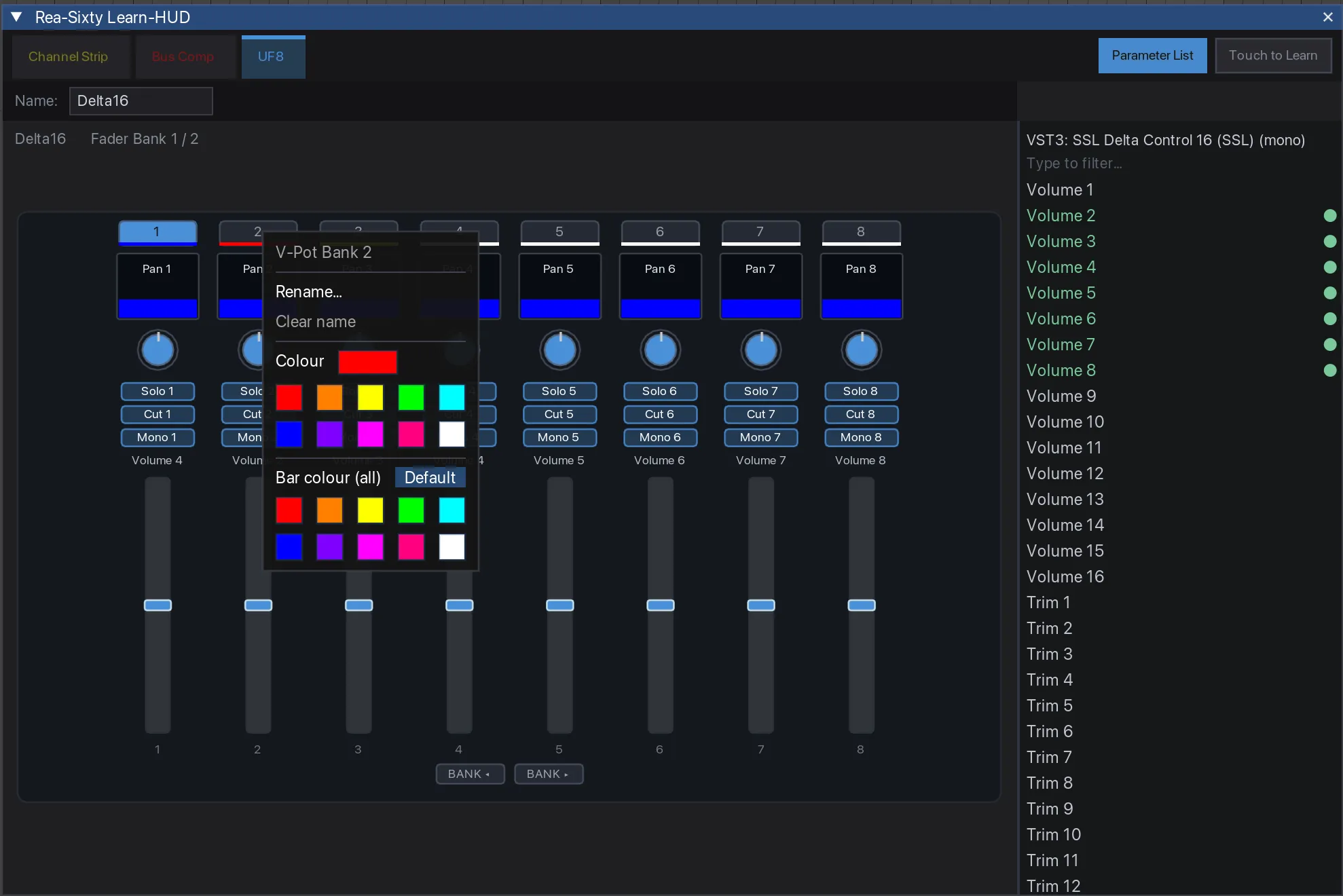
Every LED is yours
Colour and brightness per binding, per modifier. Make the
destructive bindings red, leave Bank L/R dim until you actually use
them. It survives restarts.
Track colours, always
Your REAPER track colours land on the UF8 scribble strips in the
DAW layer — with no SSL plug-in on the track. SSL 360° can only do this
inside its Plugin-Mixer layer, with an SSL plug-in on every track.
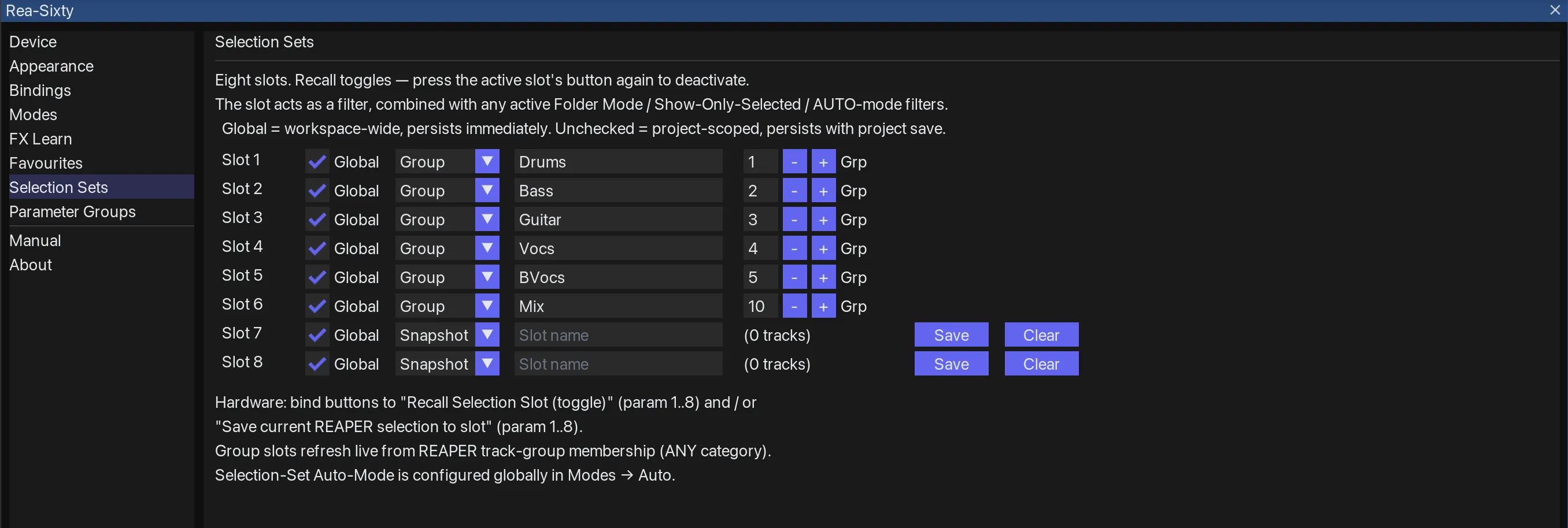
Selection Modes
Far more than NORM / REC / AUTO. Folder Mode, Send and Receive
views, FX and Instance cycling, a markers-and-regions navigator, and
eight Selection Sets per project.
Where SSL 360° hits a wall
SSL's UF8 scribble strips can show track colours, but only in SSL 360°'s Plugin-Mixer layer, and only with an SSL plug-in loaded on every track. A 200-track session would need 200 plug-in instances just to get colours. That is not a tradeoff, it is a wall.
SSL 360° also claims the controller's USB interface exclusively, so no helper extension can sit alongside it. Either you replace SSL 360°, or you live with the limitation.
“As there is no affiliation/association to SSL, we have no objections to the public, open source-project. Sadly we're unable to share any protocol documentation […] Thank you for reaching out and we look forward to seeing where the Rea-Sixty project goes.”
Rea-Sixty is built on passive observation of USB traffic between software and hardware the user already owns, under the interoperability exceptions in EU Directive 2009/24/EC Art. 6, §69e UrhG and 17 USC §1201(f). No SSL code or firmware is decompiled, included or redistributed. The details →
Before you install: Rea-Sixty and SSL 360° cannot share the hardware. On Windows the two drivers are mutually exclusive, and on every platform SSL 360° must be quit. You will still want to keep SSL 360° installed for firmware updates.